Loading cart contents...


Our Store
Only the best.
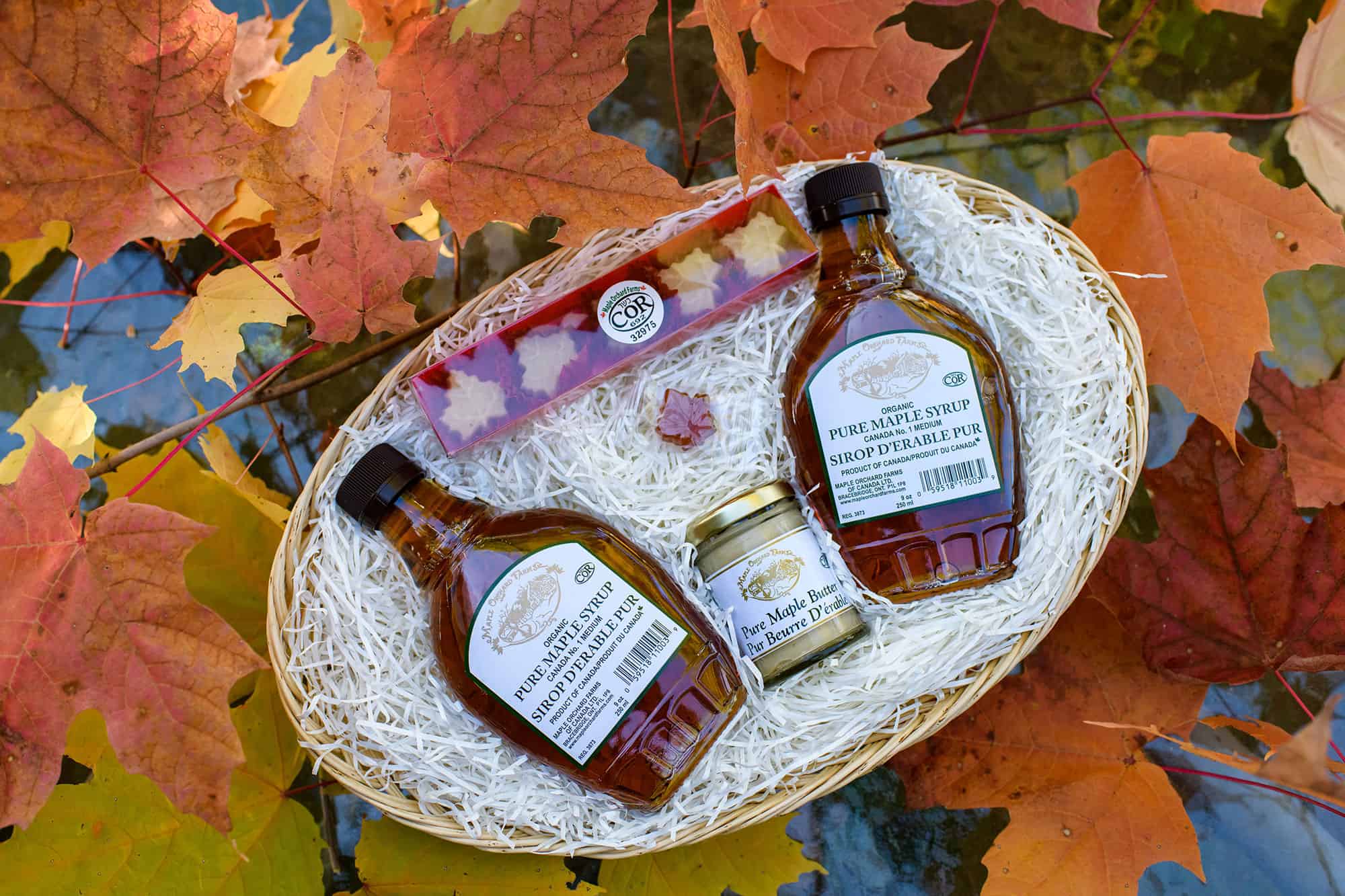
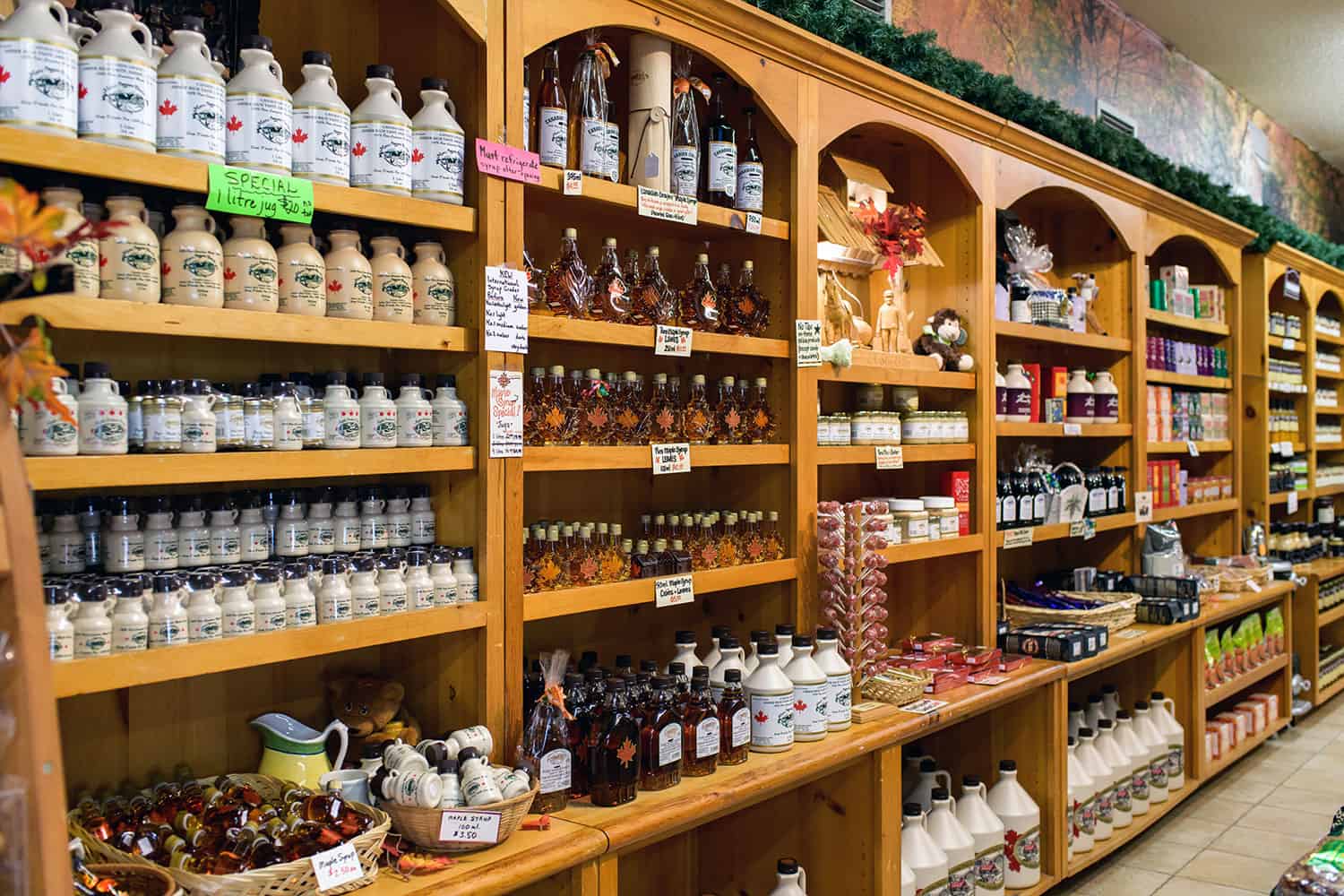
Where it all happens… come visit us in person and see the action or enjoy the convenience of online shopping. We offer a classic selection of maple products that are ideal gifts for friends, family & corporate appreciation. We also offer a wide range of preserves, chocolates, maple nuts, brittle & more sweet treats. Experience the flavour of liquid gold.

Our Syrup
Enjoy Maple. Our Natural Staple.
Not all maple is created equal. From tree to bottle, crafting maple syrup is a science that demands dedication and precision. It is for this reason that every barrel of syrup at Maple Orchard Farms is rigorously boiled, filtered, and tested to ensure that you, our precious customer, receive what is fit for Royalty. Our facility and product are also deemed Kosher Certified. Maple Orchard Farms of Canada is committed to quality and will not compromise.
Our Syrup
Enjoy Maple. Our Natural Staple.
Not all maple is created equal. From tree to bottle, crafting maple syrup is a science that demands dedication and precision. It is for this reason that every barrel of syrup at Maple Orchard Farms is rigorously boiled, filtered, and tested to ensure that you, our precious customer, receive what is fit for Royalty. Our facility and product are also deemed Kosher Certified. Maple Orchard Farms of Canada is committed to quality and will not compromise.
Our Family
From our family to yours.
At Maple Orchard Farms, it’s all about family. As a locally owned and operated company, comprising three generations, we hold true to the value of family. We offer only the best Canadian Maple Syrup, delicately sweet, straight from the maple tree. From our table to yours, we hope to be a part of your family tradition.

Maple
THE ESSENTIAL INGREDIENT
Maple syrup is not just for pancakes anymore! Maple is the essential ingredient.
Browse some of our favourite recipes at Maple Orchard Farms, created just for you!
VIEW MAPLE RECIPES

Maple
THE ESSENTIAL INGREDIENT
Maple syrup is not just for pancakes anymore! Maple is the essential ingredient.
Browse some of our favourite recipes at Maple Orchard Farms, created just for you!
VIEW MAPLE RECIPES
